



Got questions?
A few of your favourite channels will move to new channel numbers on Freeview in the early hours of 29 January:
Sky Open will move to channel 8 (from 15)
RUSH will move to channel 9 (from 14)
Bravo+1 will move to channel 14 (from 9)
Eden will move to channel 18 (from 8)
The following changes will be made at the same time:
Three will upgrade to HD on Freeview’s satellite TV service. It’s already in HD on Freeview’s terrestrial and streaming services.
Eden+1 and Sky Open+1 will be leaving Freeview.
All other channels will stay where they are.
Most Freeview boxes will auto-update on Thursday, 29 January.
So, chances are, you just need to remember to look for Sky Open, Eden, Rush and Bravo+1 at their new channel numbers from 29 January!
If for some reason channels go missing afterwards, or if your Freeview box doesn’t update properly, please retune your TV or box. Refer to retune guides here.
The Freeview TV Guide will clearly show the new channel numbers from Thursday, 29 January:
On your TV: Open the Freeview TV Guide
Online: See here for the Freeview TV Guide
Smartphone: Download the Freeview TV Guide app
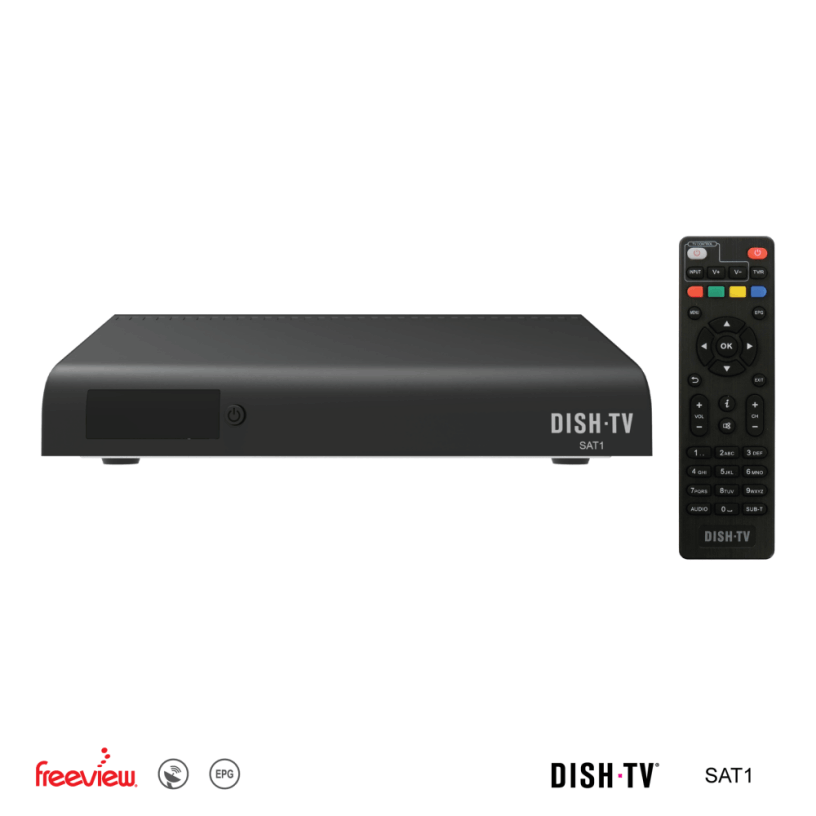
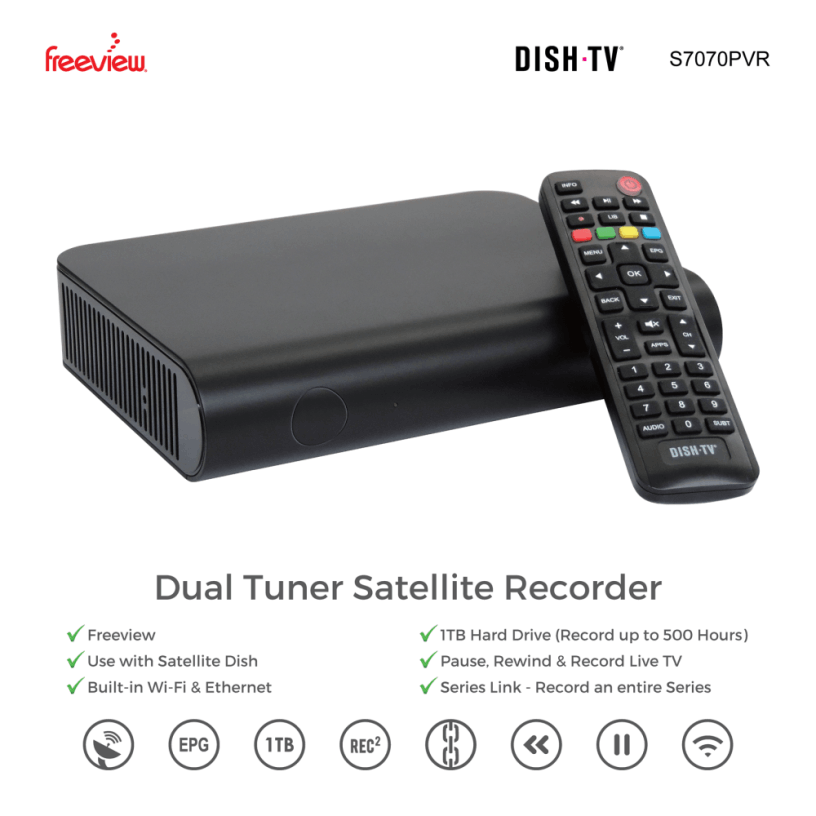
Some satellite boxes last a long time! There are still a small number of older satellite boxes in use today that run on an older, legacy broadcast standard.
As part of the satellite transition, the way channels are being broadcast need to change. This will first take place on 21 January first for Sky Open, eden+1 and Bravo+1, with remaining channels to follow when the current satellite is replaced.
Unfortunately, older satellite boxes are not compatible with this new broadcast method. Al Jazeera already uses this new method, so if you can't watch Al Jazeera on channel 20, or if you lose Sky Open, eden+1 and Bravo+1 after Jan 21st, you need to replace your box.
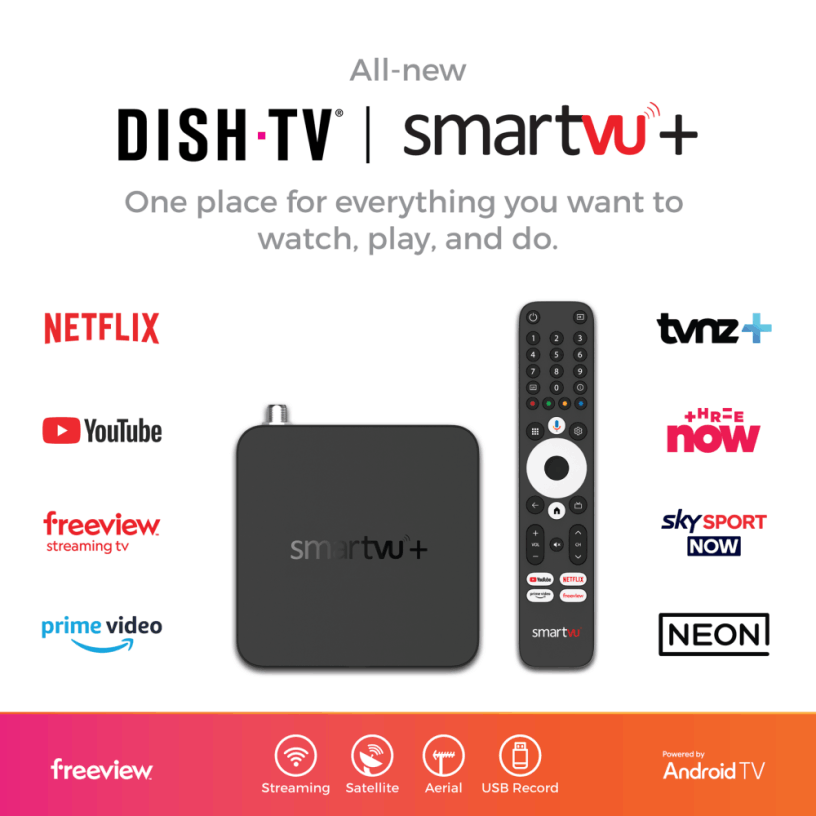
Upgrading your satellite box now is also crucial to future proof your TV setup to ensure you can keep watching all your favourite channels for years to come.
If you're using your satellite dish just for Freeview, you most likely wouldn't need to adjust it to keep watching Live TV after the satellite transition.
This satellite change is only relevant to you if you're tuned into Freeview through a satellite dish.
It's not always easy to tell how you might be tuning in. Here's a super easy way: check your channels!
If you’re tuned in through a satellite dish, you should have George FM on channel 70.
If you’re tuned in through a UHF aerial, you should have CH200 on channel 200.
And if you stream using the Freeview Streaming TV App, you would have Juice TV on channel 38.
